
Magento Articles
20 articles on Magento, newest first.
Magento 1: Export Catalog Categories by Store View
Learn how to export Magento 1 catalog categories for a specific store view as a CSV file using a simple PHP script. This guide covers store-view IDs, localized category names, active and inactive categories, URL keys, SEO data, troubleshooting, CSV encoding, security considerations, and practical tips for managing multilingual Magento catalogs.
Magento 1: Export Manufacturers CSV by Store View
Learn how to export Magento 1 manufacturer attribute options to a CSV file for a specific Store View. This step-by-step guide includes a PHP script, multilingual store-view handling, troubleshooting tips, CSV best practices, and FAQs to help with Magento data migration, catalog management, and custom reporting.

Search Magento products by product labels
Project Overview: Task was to develop a Product Labels Magento extension. Where admin can create product labels by uploading an image, enter label title and att
How to Conditionally remove Magento header/footer?
Learn how to remove the header and footer from specific Magento 1 pages using custom layout handles. This tutorial explains how to create an observer, register a layout event, and update your module’s layout XML to display custom landing pages without the default header or footer based on a request parameter.

Magento Order Using Saved Credit Card
Creating order is the basic functionality of Magento but its the trickiest one at the same time for developers. Yes, its true because its not straight forward l
Magento 2: Fix Can't Create Directory Error
Learn how to fix the Magento 2 “Can’t create directory” error caused by incorrect file permissions or ownership. This guide covers checking Magento directory permissions, configuring writable folders, fixing ownership, clearing generated files, and troubleshooting common permission issues safely.
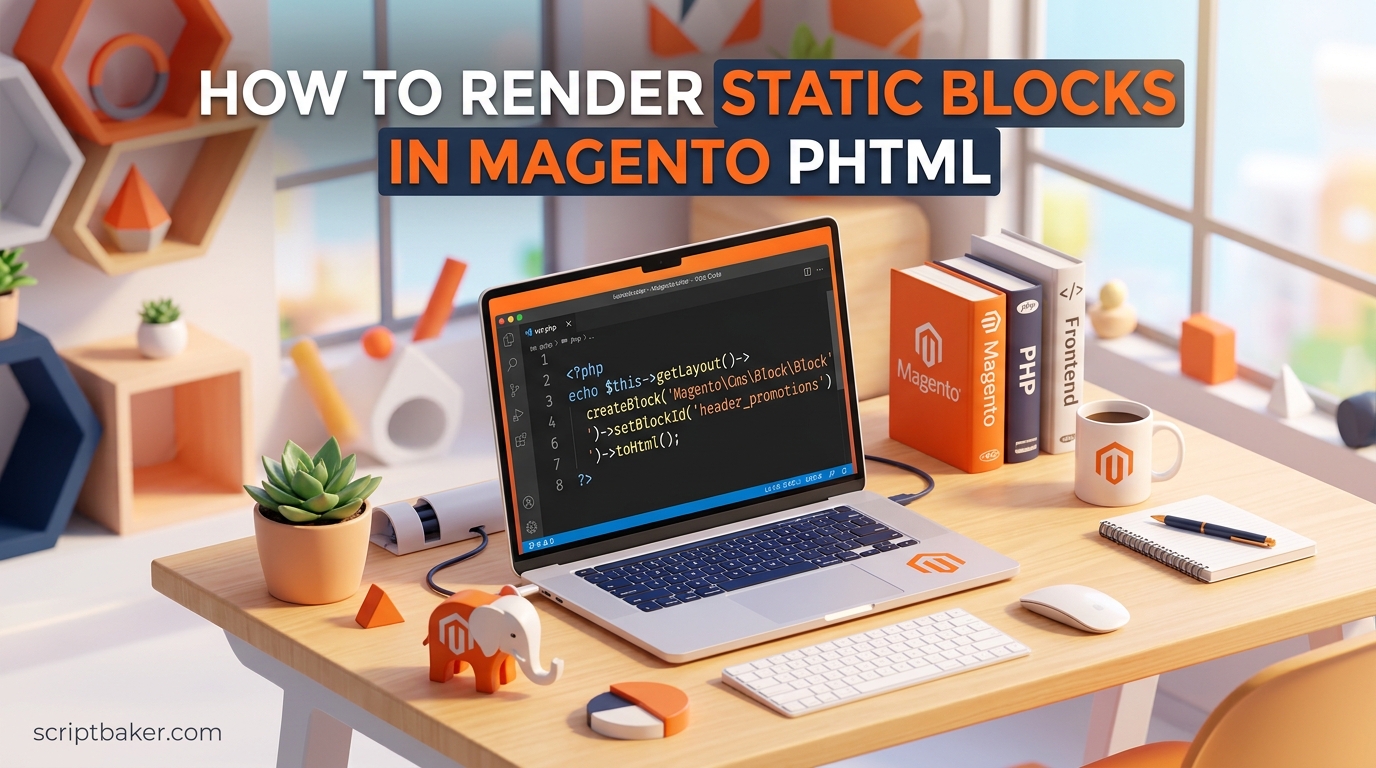
Magento: Render static block in a phtml file
Learn how to render a Magento 1 static block directly inside a PHTML template using the cms/block block type. This guide covers how to create and load CMS static blocks, use block identifiers, render content with PHP, troubleshoot common display issues, and choose between PHTML, layout XML, and CMS directives.

Add custom JavaScript in Magento admin form
Learn how to add custom JavaScript to Magento admin forms using setAfterElementHtml. This step-by-step guide covers field-level scripting, practical use cases like conditional field visibility, and best practices for keeping your Magento admin customisations clean and upgrade-safe.

Get custom attribute value in Magento
Learn how to safely get custom attribute values in Magento 1 using <code>getData()</code>, <code>getAttributeText()</code>, and Magento's resource model. This guide explains how to retrieve raw and frontend attribute values, handle dropdown attributes, prevent <code>getSource()</code> fatal errors, and safely work with custom product attributes.
Render Custom PHTML in a Magento Admin Tabs Block
It’s possible to add custom tabs on any page of Magento administration panel. Normally tabs are generated by Form Blocks, this is fine if you want to crea
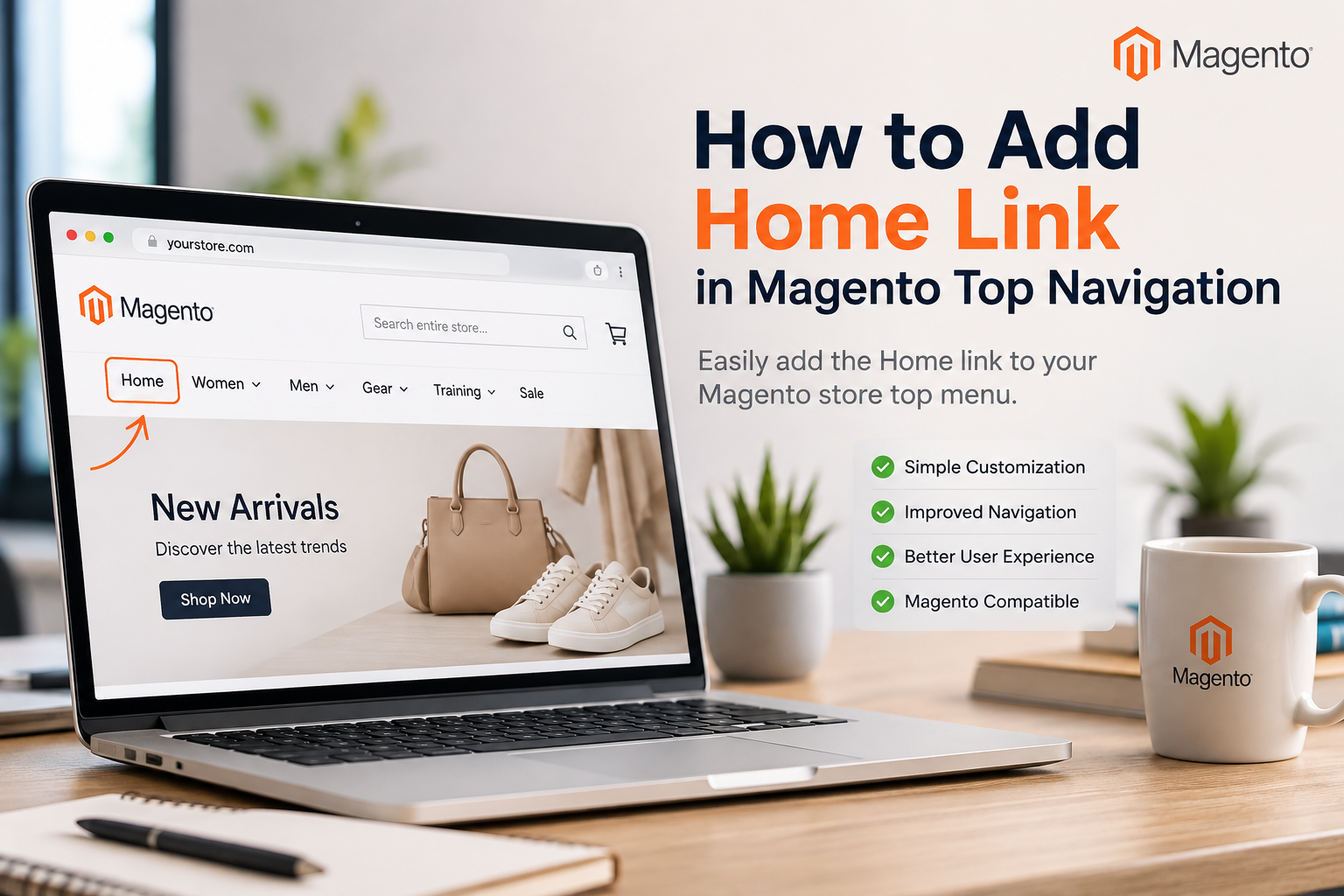
Add Home link in Magento top navigation menu
Learn how to easily add a Home link to the Magento top navigation menu using simple template changes and PHP code. By default there is no Home link in Magento top navigation menu but you can easily add it yourself.
Configure Authorize.net in Magento
Learn how to configure Authorize.Net in Magento, set up API credentials, choose the correct payment environment, test transactions, troubleshoot common checkout issues, and follow security best practices. This guide also explains Magento version compatibility and what to consider when using Authorize.Net with newer Adobe Commerce stores.
Magento Admin Grid: Add Radio/Checkbox Column
Magento grids are very useful for displaying/filtering and sorting data. Their flexibility is endless, you can customize them in any way. One may want to add a
Magento Admin: 404 Error – Page Not Found
Getting a 404 error in the Magento Admin after installing an extension? Learn why newly added configuration tabs may show “Page Not Found” and discover simple fixes, including refreshing your admin session, checking permissions, clearing cache, and troubleshooting extension configuration.
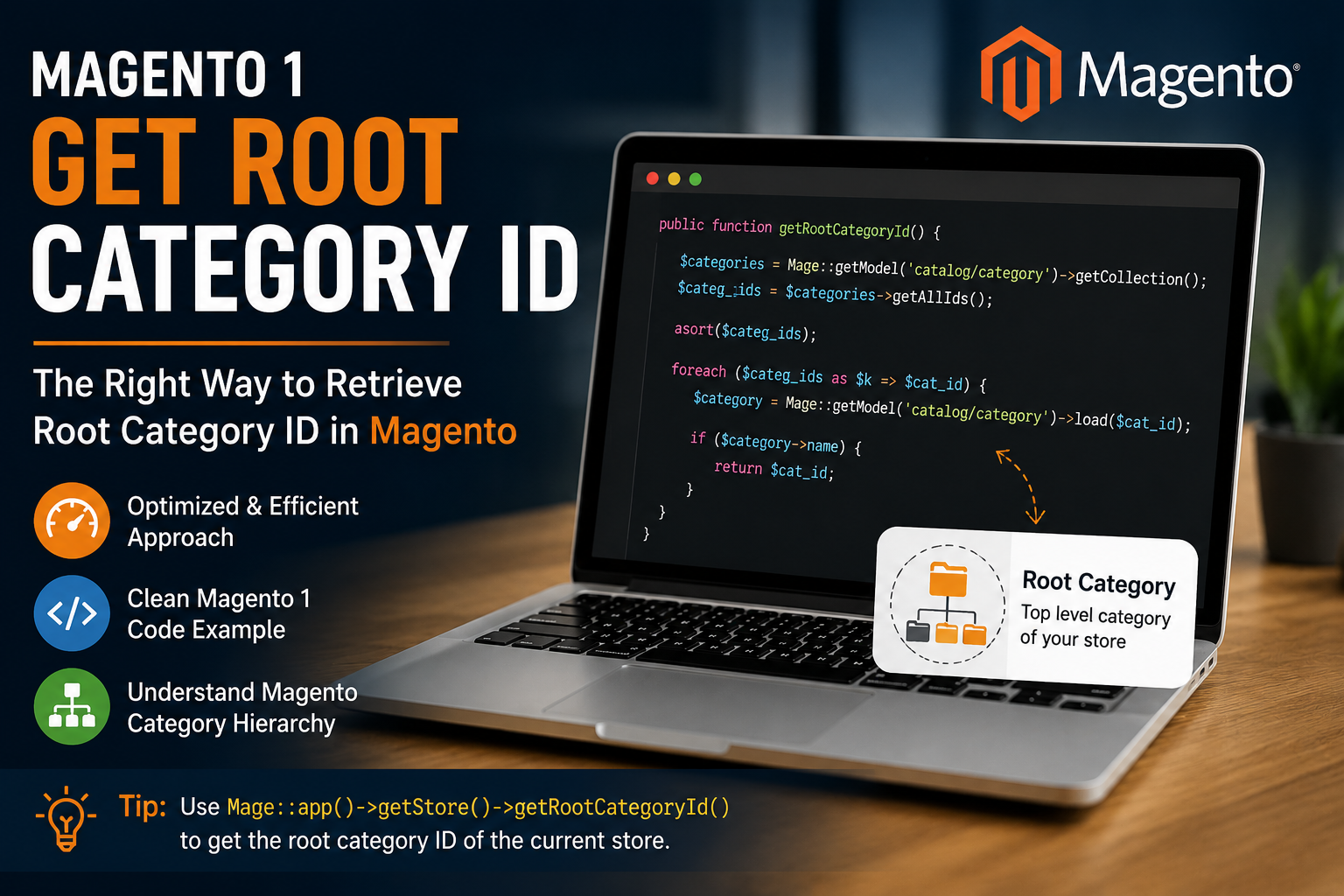
Get Magento root category id
Learn how to retrieve the root category ID in Magento 1, understand the category hierarchy, avoid inefficient database queries, and use Magento’s built-in methods for cleaner, faster store development.
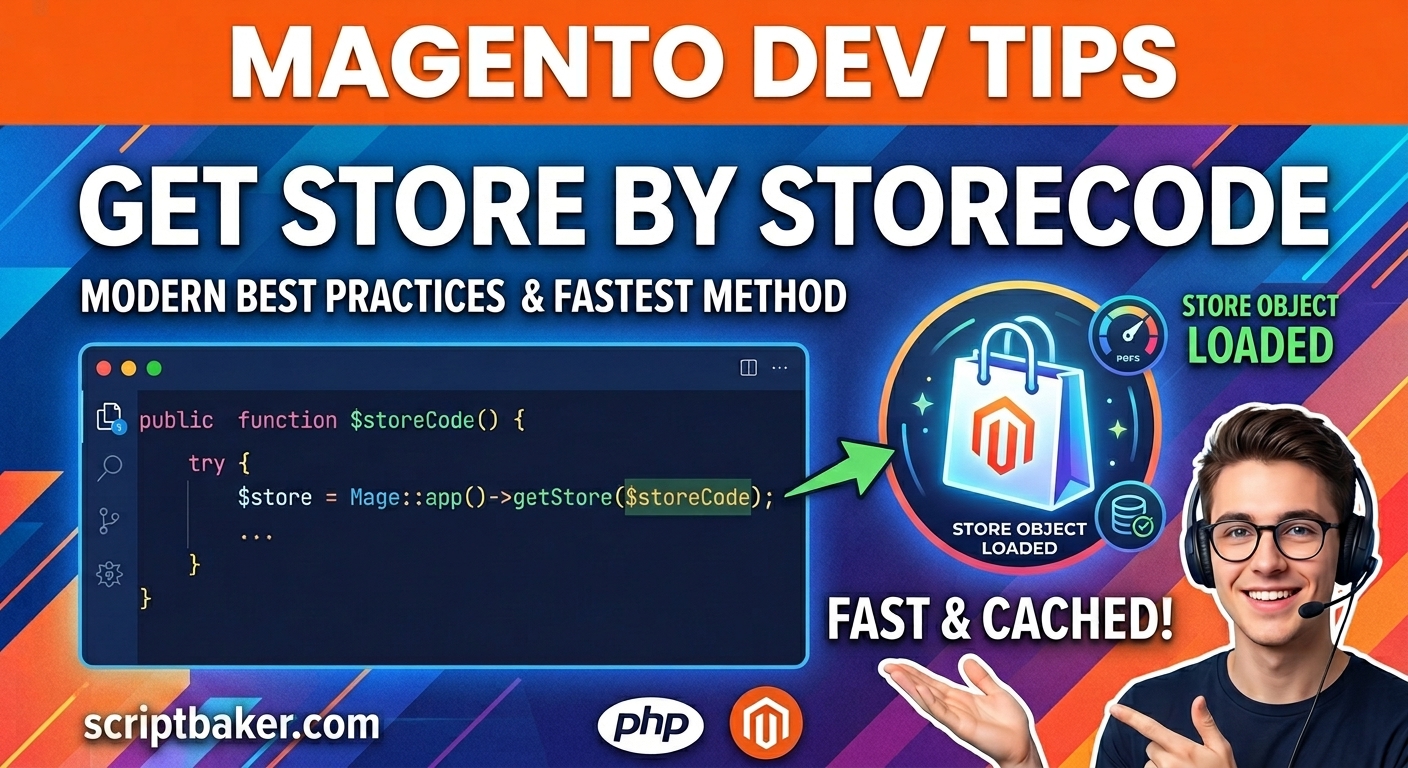
Magento get store by storecode
Learn how to efficiently retrieve a Magento 1 store by its unique store code without unnecessary loops. This guide explains how to use Magento’s built-in Mage::app()->getStore() method, handle invalid store codes safely, and improve code performance and memory efficiency in multi-store environments.
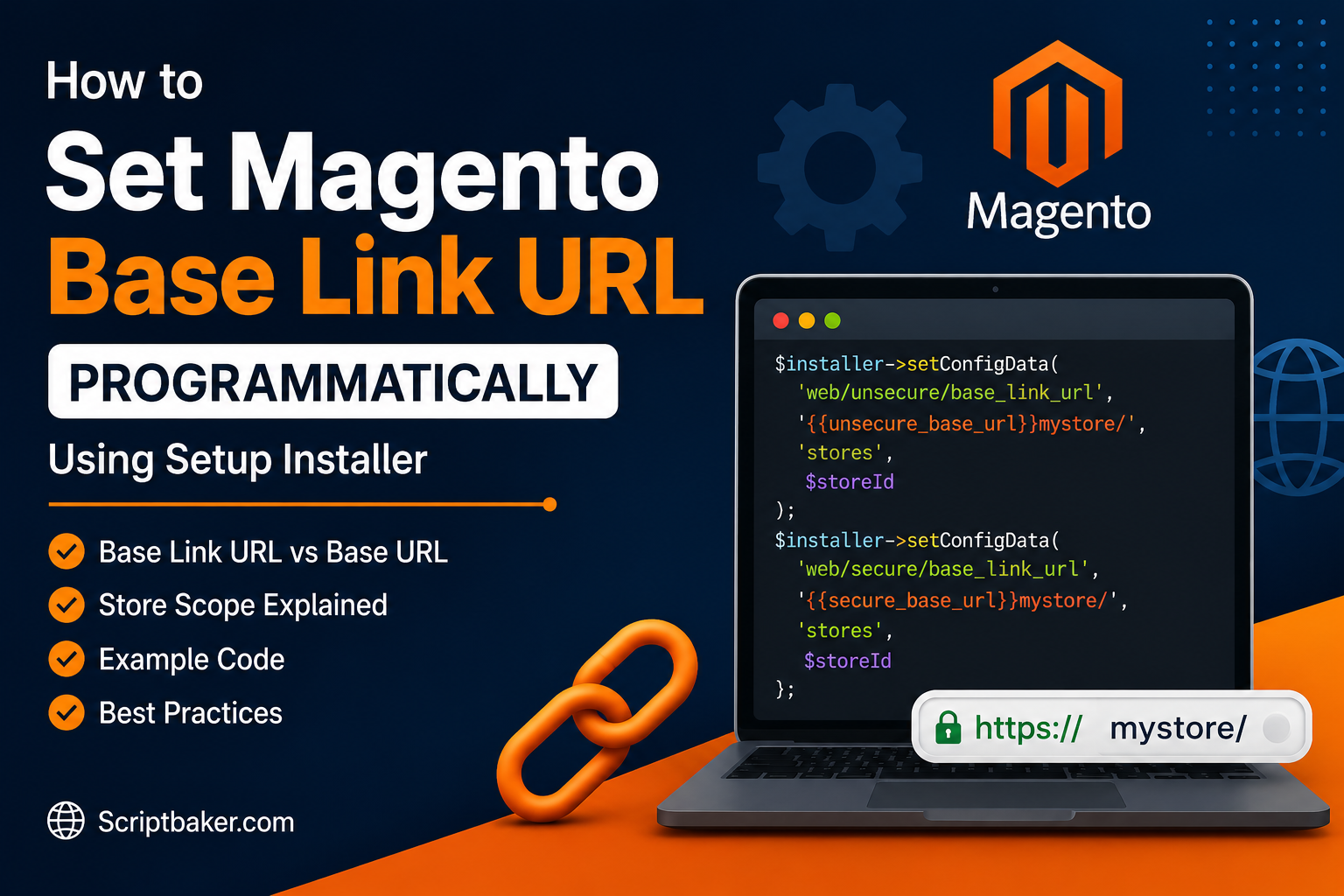
Set Magento store's base link URL programmatically
Learn how to set Magento’s base link URL programmatically using the setup installer. This guide explains base_link_url vs. base_url, store-specific configuration, secure and unsecure URLs, common errors, troubleshooting, and best practices for managing Magento URL settings.
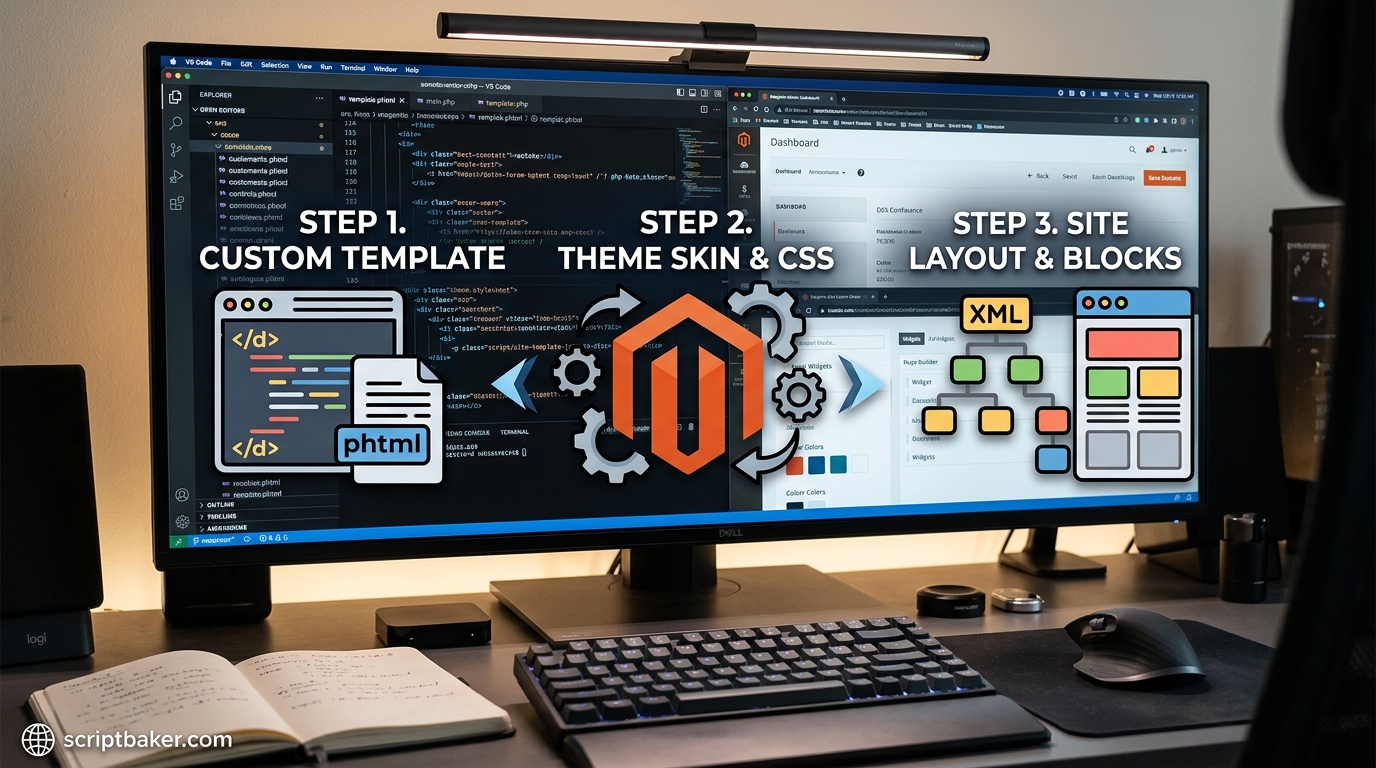
Set Magento Template, Skin & Layout
Learn how to set Magento 1 template, skin, layout, and default theme settings programmatically using PHP. This guide covers configuration paths, store-specific themes, setup scripts, theme fallback, troubleshooting, and best practices for managing custom Magento 1 themes.
Get Magento Website Meta Data and Config Values
Learn how to get Magento 2 website metadata and configuration values using <code>ScopeConfigInterface</code>, store scopes, and Magento APIs. This guide covers base URLs, store information, product and category SEO metadata, CLI configuration commands, best practices, and common FAQs.
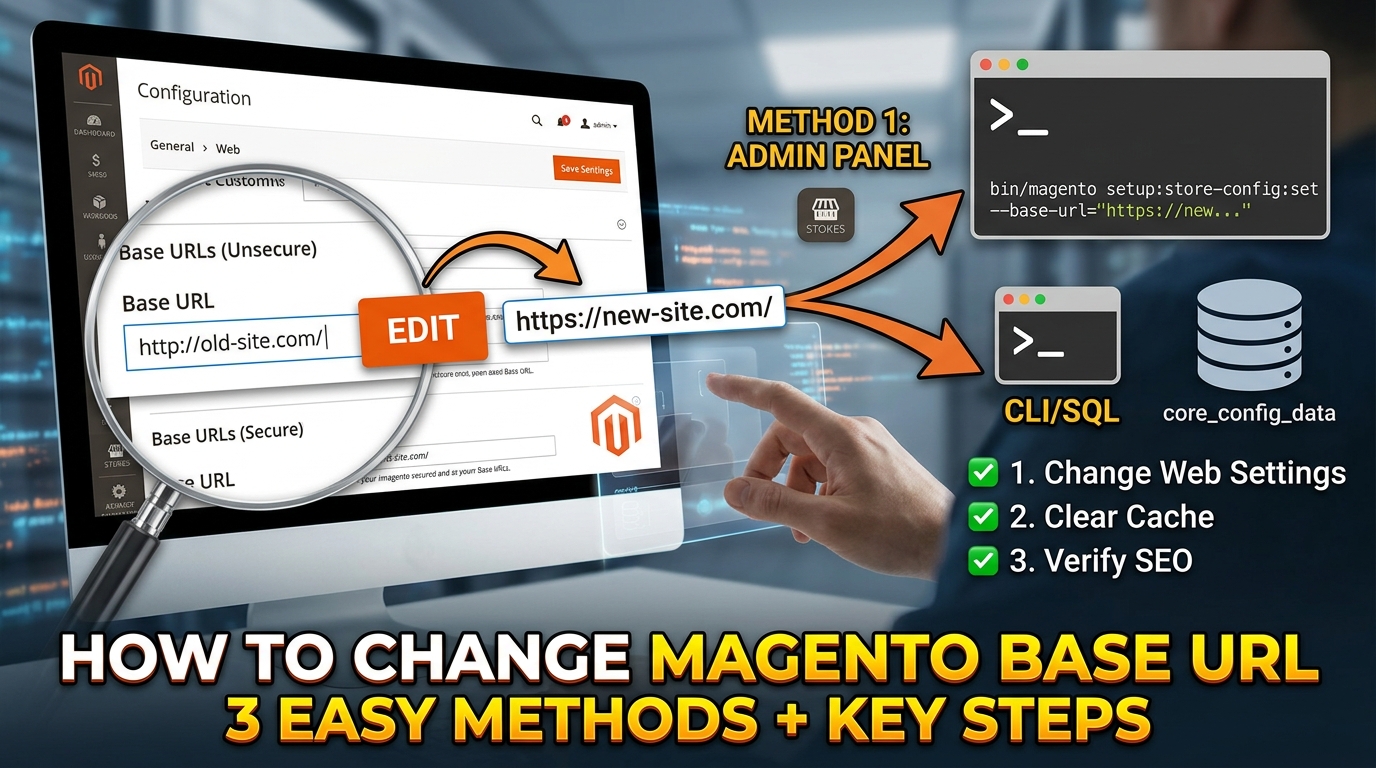
How to change Magento Base URL
Learn how to configure and change the Magento Base URL, secure and unsecure URLs, HTTPS settings, domain migrations, localhost installations, and common URL problems. This guide also covers cache clearing, database updates, and essential SEO checks after changing your Magento store URL.